Start Ground Zero: copper, drills and delivery to the core
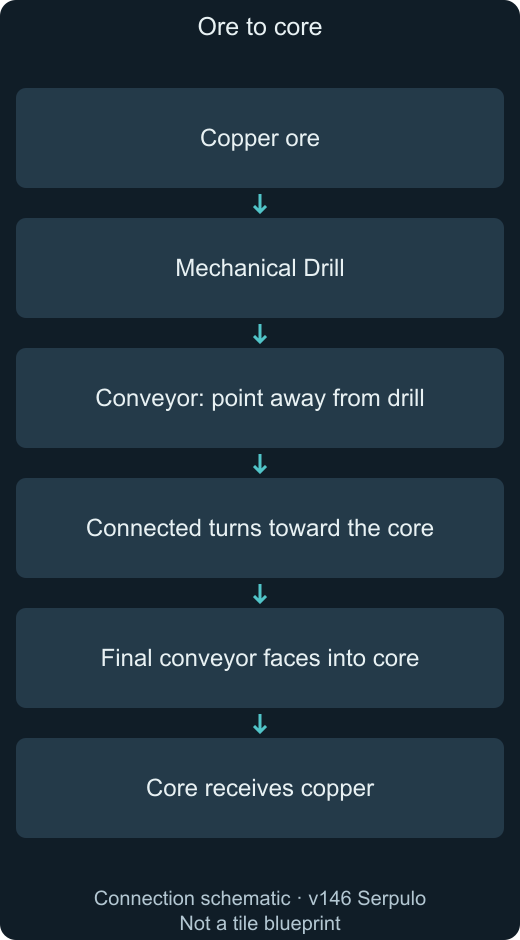
Mine copper manually, research a Mechanical Drill, then connect the drill to the core with directed conveyors. These are the v146 Ground Zero tutorial actions, not a complete sector walkthrough.
Version: v146
Before you start
- Mindustry v146, unmodded Serpulo campaign, Ground Zero on desktop.
- Start with the in-game tutorial objectives; the later graphite and silicon guides require additional research and resources.
Steps
- Move close to copper ore and click it to mine copper manually.
- Open the research tree and unlock Mechanical Drill for 10 copper. Save another 12 copper for construction. Select the drill in the bottom-right build menu and place its 2 × 2 footprint over copper ore.
- Research Conveyor for 5 copper. Select it, click and drag from the drill toward the core, and use the scroll wheel to rotate the placement direction. Each conveyor costs 1 copper.
- Check that the first conveyor touches the drill, each turn points onward, and the final segment feeds the core. If items stop, follow the transport guide rather than adding more drills.
- Follow the tutorial prompt to expand mining and mine 100 copper. When lead is requested, build drills over lead ore and deliver it to the core. Open the Duo guide when the defense objective appears.
Success: Copper and then lead reach the core, and the corresponding tutorial objectives advance.
Version and scope
Mindustry v146, unmodded Serpulo on desktop. Based on official tutorial text and game source; not a recorded gameplay test.